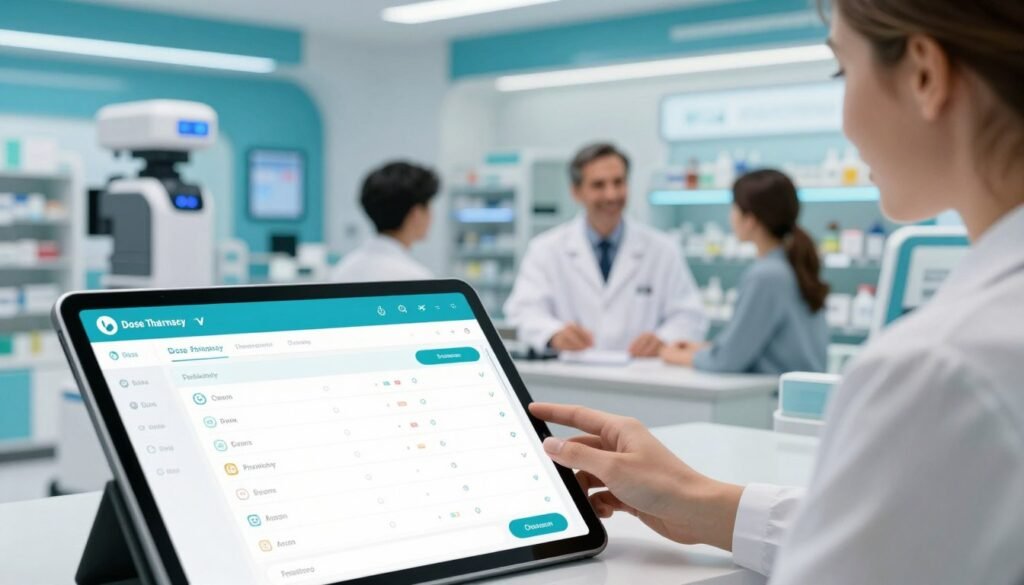
Did you know nearly 125,000 Americans die each year from forgetting their medicine? This shows a huge problem in our health habits. Not following doctor’s orders costs billions and risks millions of lives.
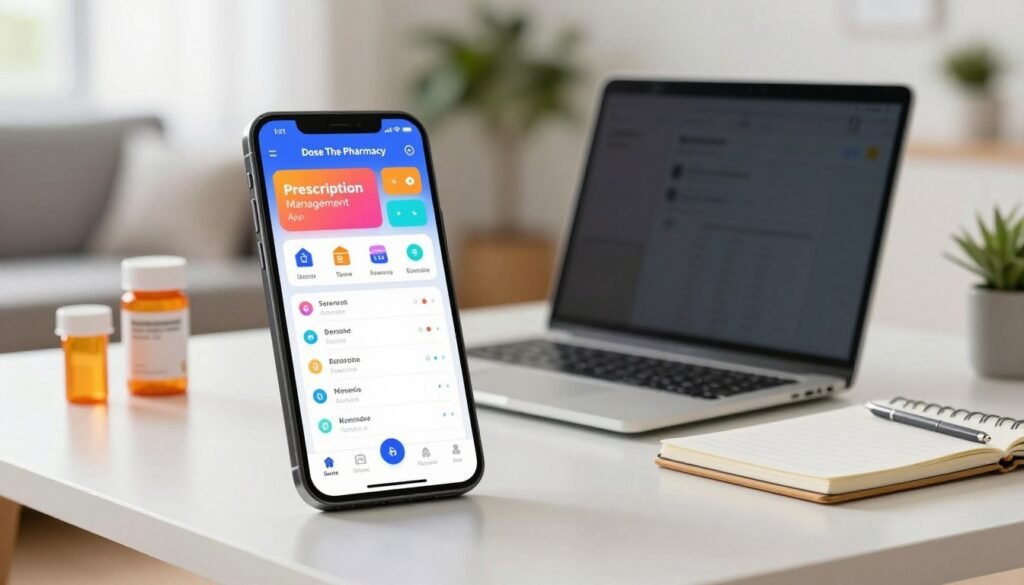
We think staying healthy shouldn’t be hard. Our team made a Prescription Management App to make it easy. It helps you keep up with your health needs without stress.
Using our app, you can feel calm again and enjoy life. Our team cares about your safety and personalized support. For help, call (862) 438-8549 or email advocate@doseall.com.
In this article, we’ll show how digital tools can change your health journey. We’ll explain the features that make health easy. Let us help you get better results with simple digital help.
Key Takeaways
- Streamline daily health routines with ease and precision.
- Reduce the high risk of missing vital scheduled doses.
- Access professional support via phone or digital mail.
- Improve overall wellness with consistent habit monitoring.
- Organize medical data in one secure and accessible place.
- Enhance your safety through automated digital reminders.
Understanding Medication Management in the Digital Age
The way we manage our medications is changing a lot in the digital age. Now, we have many digital tools to make it easier.
Why Traditional Medication Tracking Methods Fall Short
Old ways of tracking meds like pill boxes and paper logs are hard to use. They can lead to missed doses or wrong meds.
Modern meds are complex, with many taken at different times. It’s hard to keep track without reminders and alerts.
Key Benefits of Using a Prescription Organizer Software
A Prescription Organizer Software has many benefits over old methods.
- Improved Adherence: Reminders help you take meds on time.
- Centralized Information: All your meds info is in one spot.
- Reduced Errors: It cuts down on mistakes like missed or double doses.
- Enhanced Communication: It makes talking to doctors easier.
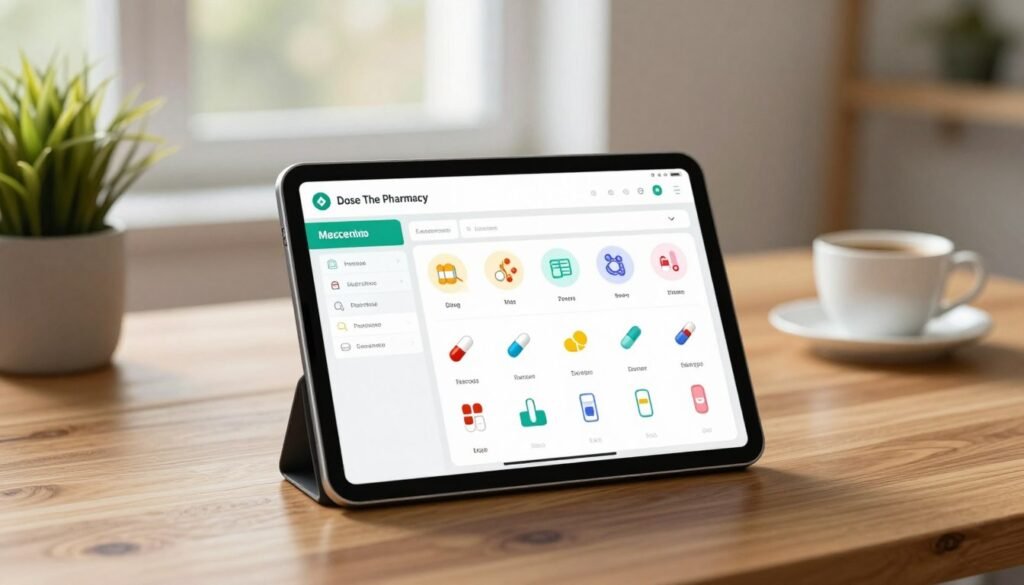
Who Should Use a Medicine Management Application
Anyone on regular meds can benefit from a Medicine Management Application. This includes people with chronic conditions or those on long-term treatments.
For help with managing your meds, call (862) 438-8549 or email advocate@doseall.com. Our team is here to help you manage your meds with ease.
Setting Up Your Prescription Management App
Setting up your Prescription Management App is the first step to manage your medication. Our app is easy to use. It helps you quickly start managing your prescriptions.
Step 1: Download and Register Your Account
First, download the app from your device’s store. Open it and register. You’ll need to give some basic info to make your account. For help, Call: (862) 438-8549 or eMail: advocate@doseall.com.
Step 2: Enter Your Medications and Prescriptions
After registering, enter your medications and prescriptions. This is key for the app to send you reminders and info.
Adding Prescription Details and Dosages
When adding prescriptions, input the medication name, dosage, and frequency. This info is needed for timely reminders. Our pill reminder app helps you stay on track.
Inputting Your Pharmacy Information
Also, add your pharmacy info. This lets you request refills through the app. It’s a handy pharmacy app for managing your meds.
| Information Type | Description | Importance |
|---|---|---|
| Medication Name | Name of the prescribed medication | High |
| Dosage | Amount of medication to be taken | High |
| Frequency | How often the medication should be taken | High |
| Pharmacy Information | Details of your preferred pharmacy | Medium |
Step 3: Customize Your Notification Preferences
Customize your notifications to fit your needs. Choose how and when you get reminders about your meds.
Step 4: Link Your Healthcare Provider Information
Link your healthcare provider info for easy communication. This keeps your healthcare team updated on your meds. It’s a key feature of our app.
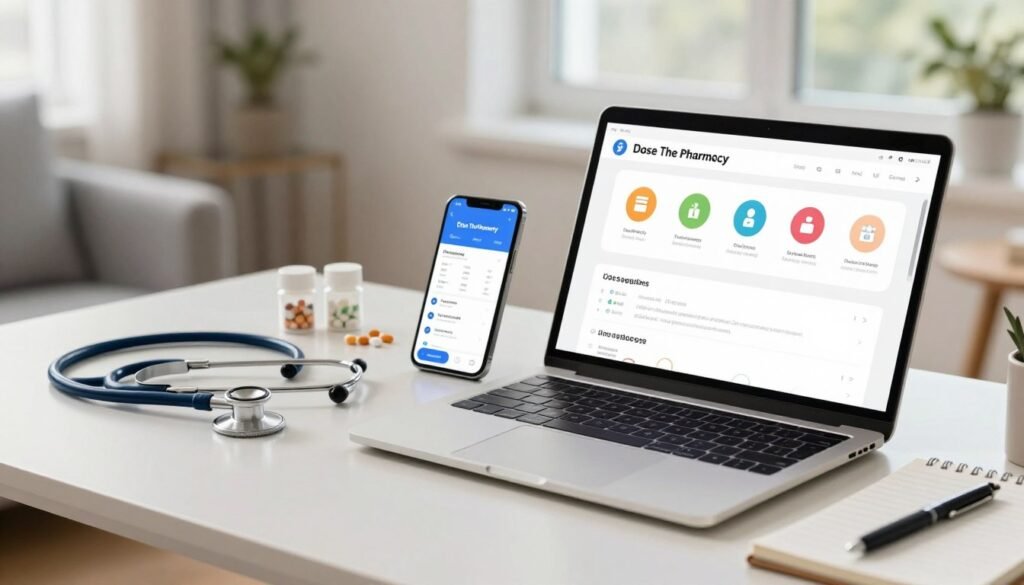
Maximizing Your Drug Prescription Manager for Daily Use
Using a drug prescription manager daily can really help you stick to your meds. Our medication adherence tracker makes it easy. It helps you manage your meds every day, so you never forget a dose.
Managing Daily Medication Reminders
Our app sends daily reminders for your meds. You can set these reminders to fit your life. Just follow these steps to set them up:
- Open the app and go to the reminders section.
- Pick the meds you want reminders for.
- Choose when and how often you want reminders.
Logging Your Doses for Better Medication Adherence
Tracking your doses is key to sticking to your meds. Our app makes it simple to log your doses. Here’s how:
- Find the logging feature in the app.
- Pick the medication you’ve taken.
- Enter the time and any notes you have.
Requesting Prescription Refills Through the App
Our app makes asking for refills easy. You can send requests to your doctor without a phone call. Here’s how to do it:
- Go to the prescriptions section.
- Pick the medication that needs a refill.
- Confirm your request, and it will go to your doctor.
Updating Medications When Prescriptions Change
When your prescriptions change, update your app. This keeps your reminders and logs accurate. Here’s how to update:
- Visit the medications section.
- Edit the details of the medication.
- Save your changes to update your records.
Need help with your drug prescription manager? Call (862) 438-8549 or email advocate@doseall.com. Our team is ready to help you get the most out of our medication tracker.
Conclusion
Using a Prescription Management App can make managing your meds much easier. Our app helps you keep track of your meds, get reminders, and refill prescriptions on time.
Our app lets you manage your meds better, which can improve your health and happiness. For help and to start managing your prescriptions, call (862) 438-8549 or email advocate@doseall.com.
With our app, you can keep your medication schedule organized. This lets you focus more on your health and well-being.